Amplifying AgencyTechnology as an opportunity
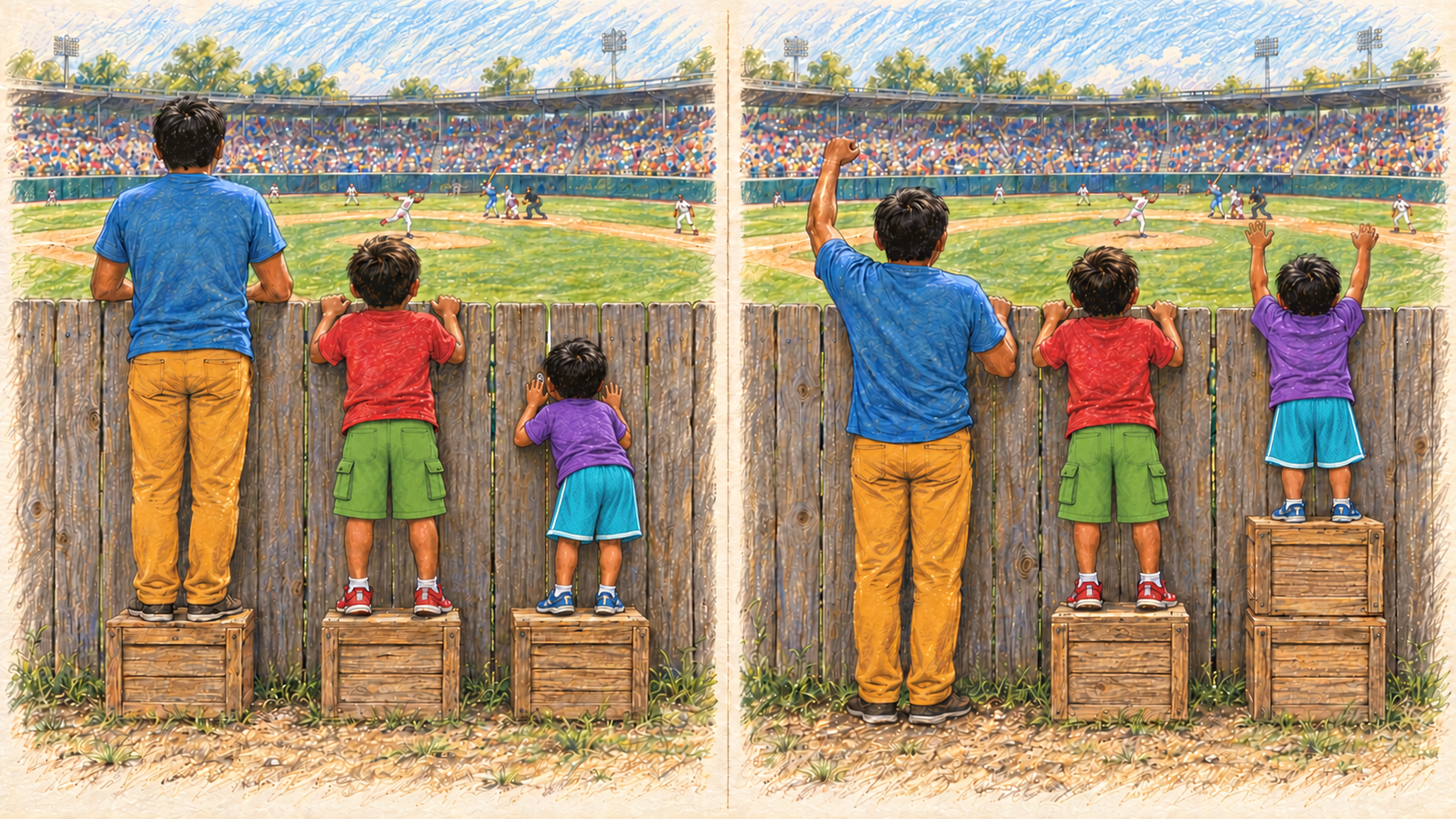
Today
- Why should everyone know the basics of how a computer works?
- Can I compute anything computable with just 2 instructions?
- How does the AI know?
- Demonstration: BeagleBadge + BeagleConnect Zepto “Interactor”
- How can we work together to amplify the agency of your students?
Technology can be as simple as a stick
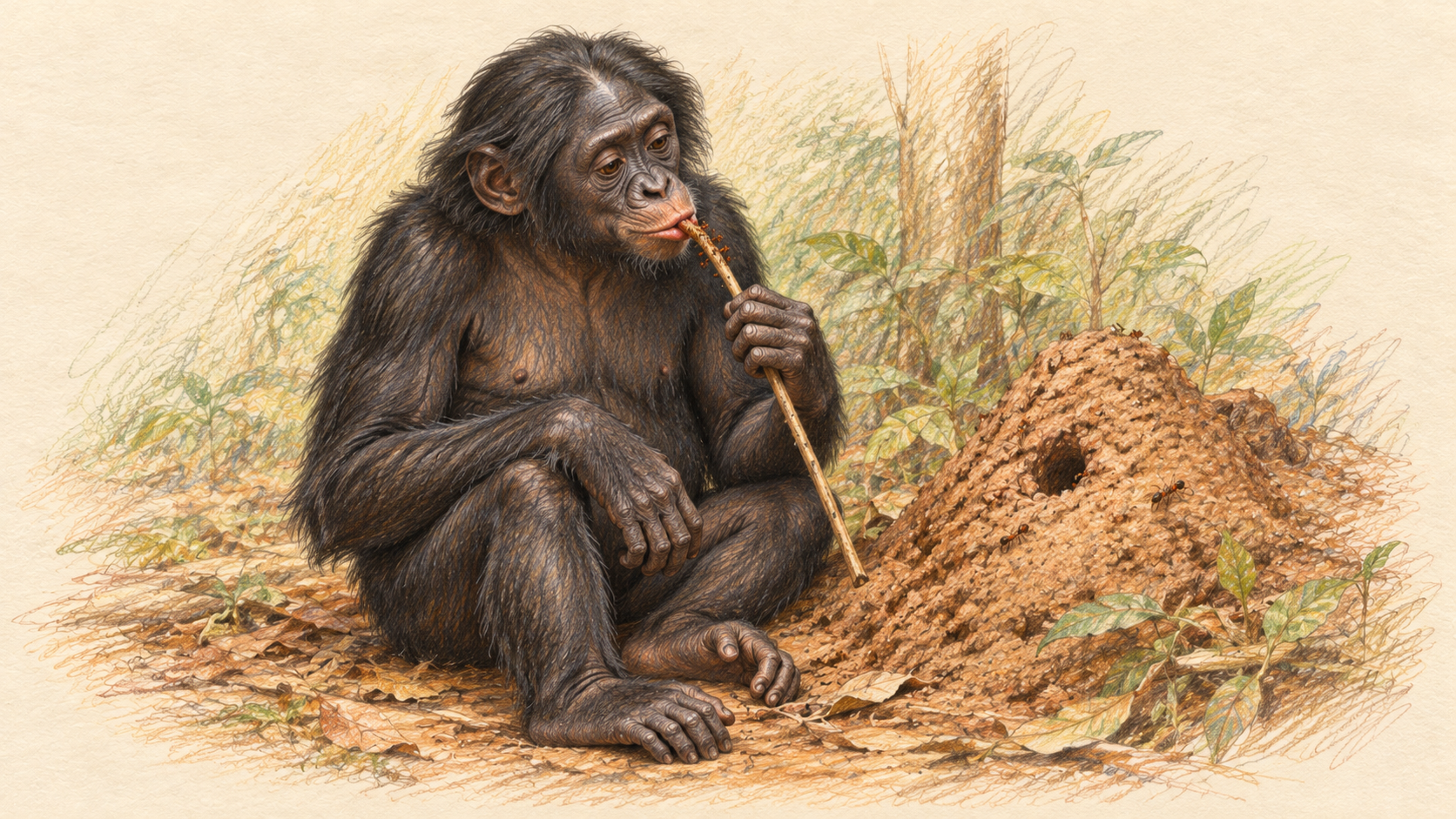
- Using tools to amplify agency
- Found everywhere
Managing complexity
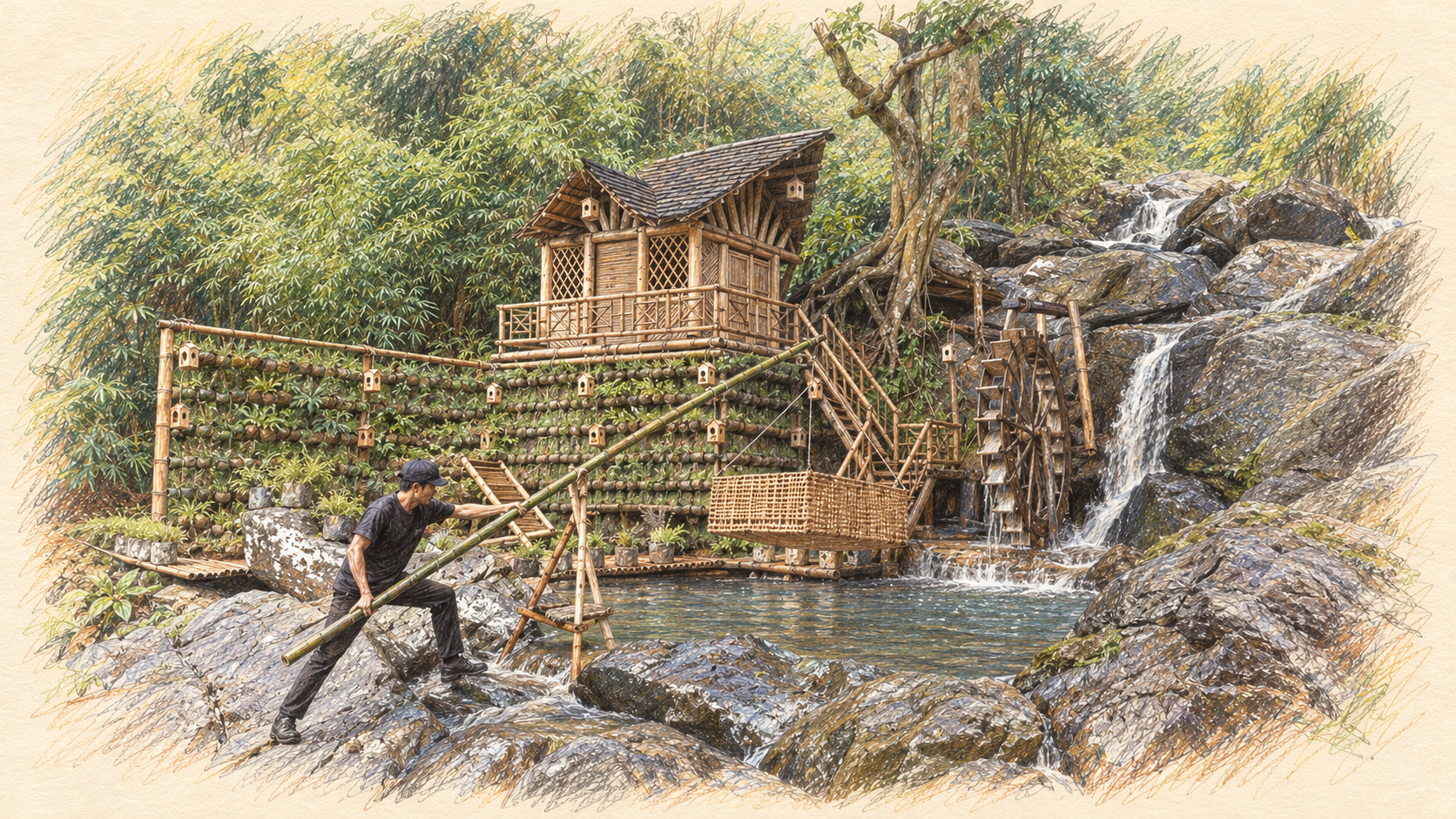
- Doing good feels good
- Agency requires predictable medium
- Medium amplifies specific outcomes
- Complexity drifts towards failure
- Plentiful medium supports addressing risk
Meet Chloe

- Entirely fictional character
- Loves drawing
- Learns tough lessons about her medium
- Inspired by Pearl Jam 1992 concert t-shirt stating on one side
“9 out of 10 kids prefer crayons to guns” - On the other side, something like this …
Choices

Chloe fell in love with drawing

She was able to understand the source of her tools
She was even able to envision how to change those tools herself
And when seeing the masters in the craft, she was inspired, seeing only herself in her own way
Chloe was able to express herself

- She adapted to her tools and adapted her tools to her
- When one crayon broke, she grabbed the next and it behaved mostly like she expected
Chloe mastered

She still has the two purple crayons.
The house answers, softly.

Impossible rooms, rain becoming music, a visitor who asks to stay.
The windows stopped glowing

A folder of her first animations that no longer play. On the wall, the paper drawings from the same year, still glowing.
“You have exhausted your 100 credits”

A sloth-faced alebrije with giraffe legs and enormous antlers, one burst of marigolds from finished.
What can the child carry away?

Bridget slides her drawing under a placemat. “Mine doesn’t do anything.” Chloe pulls up a chair, and they ask it together.
A crayon for computing
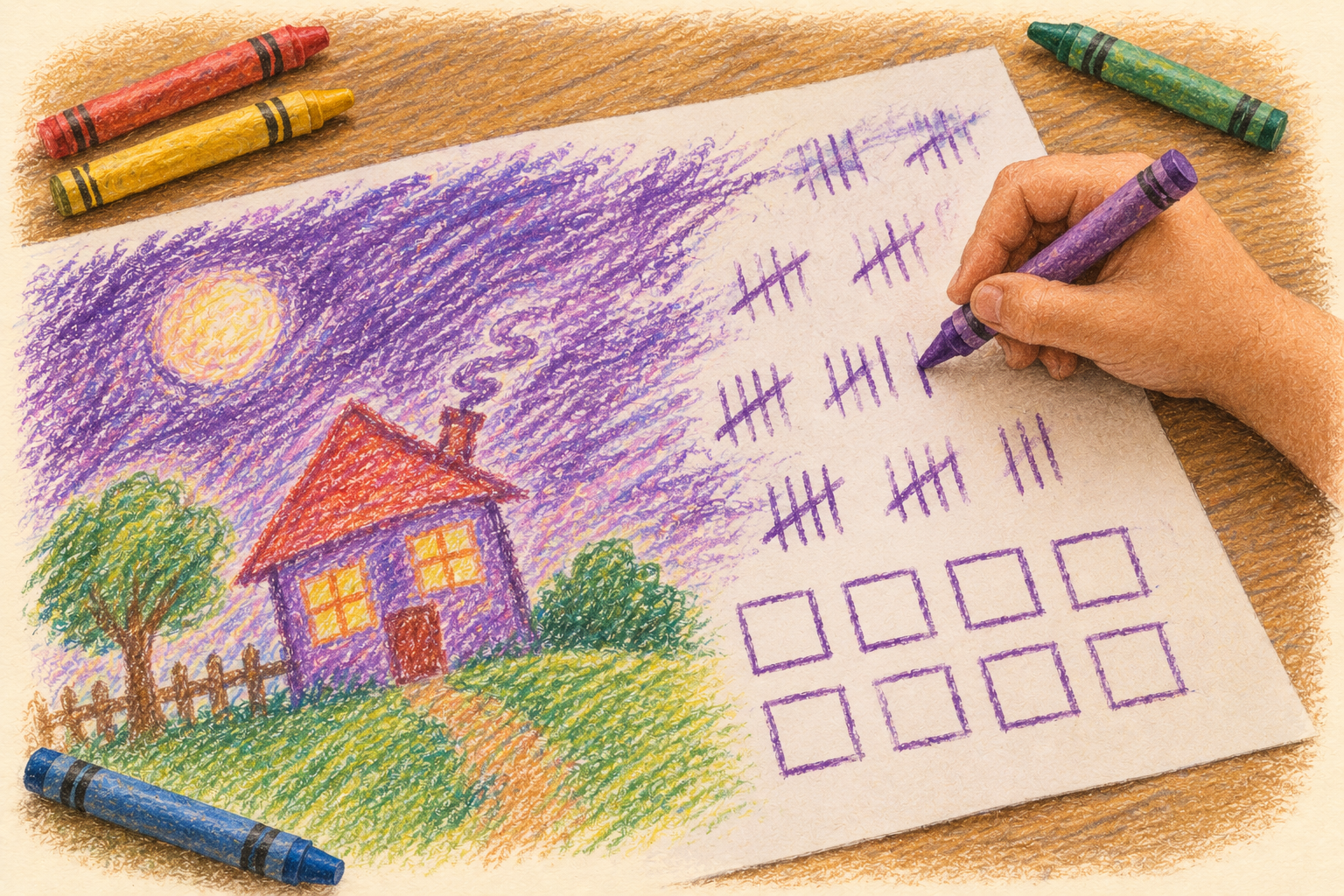
- Chloe understood her crayon: she could even make one
- A crayon is a tiny tool that can draw any picture
- Is there a tool that simple that can compute anything?
- Three people found one
Hilbert, Turing, Minsky
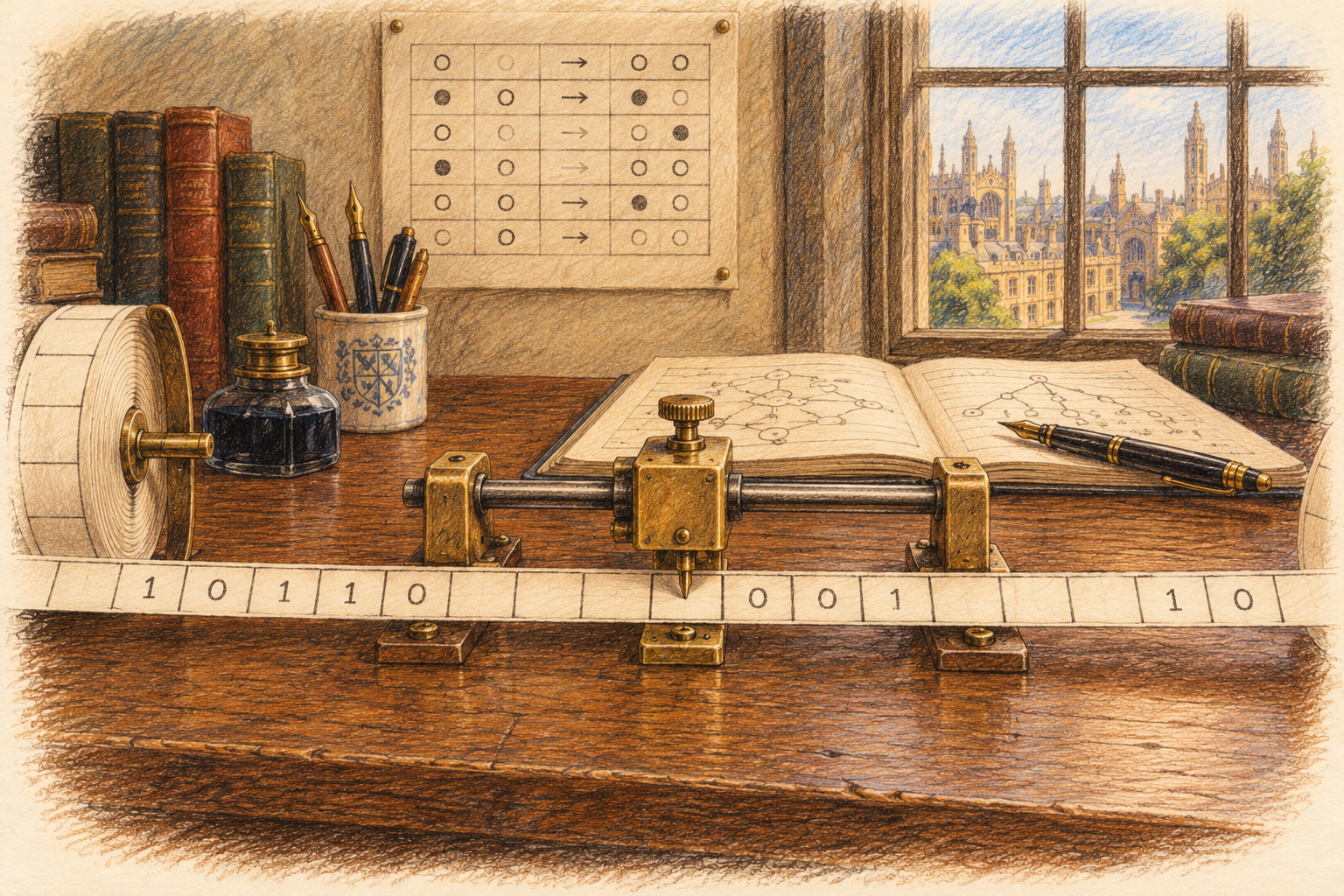
- 1928, David Hilbert: what can following fixed rules ever work out?
- 1936, Alan Turing: a person with pencil and paper, following rules, can work out anything that can be worked out
- … but some questions no rules can ever settle
- 1961, Marvin Minsky: two rules are enough. Add one. Take one.
What is a computation?

- Marks go in
- Rules are followed exactly
- Marks come out
- You already teach this: counting crayons into cups
3 crayons in one cup, 5 in another. Rule: move the crayons one at a time from the second cup to the first. Count: 8.
Turing completeness
- Read and write memory
- Choose the next step by what you read
- Repeat
With enough memory and time, a system that can do these can compute anything a Turing machine can.
Exercise 1 · Understanding the mechanism
- A machine with only two rules
- Two programs: add and multiply
- How small steps climb to any program
- Why that makes it Turing complete
Read the logic. Predict its behavior. Change what it does.
The counter machine

- Memory: four cups of crayons, numbered 1 to 4
- Program: ADD and TAKE cards, each with its own Step number
- Write the numbers on the cards
- Keep a finger on the current card
Two kinds of step
- Keep a finger on the current card and do what it says.
- Move your finger to the card with the Step number it names.
- Repeat until STOP.
Program 1 · Add
Put 3 crayons in cup 1 and 5 in cup 2. Start at step 1. When it stops, count cup 1.
Program 2 · Multiply
Put 3 crayons in cup 1 and 4 in cup 2. Start at step 1. When it stops, count cup 3.
Bigger steps from small ones
got one → 2 · empty → STOP
→ 1
cup 2 into cup 1
COPY cup 2 into cup 3
Climbing to any program
- ADD · TAKE the whole machine
- CLEAR · MOVE · COPY a few cards each
- add · subtract · compare
- multiply · divide · remainder
- numbered memory cells packed into one big number
- a CPU’s instructions LOAD · STORE · ADD · JUMP · CALL
- any program a spreadsheet, a web browser, an AI model
Why the counter machine is Turing complete
- One machine; only the step cards changed
- Any program can be climbed to from ADD and TAKE
- Marvin Minsky, 1961: it can do anything a Turing machine can
- The real limits are crayons and time
Take it to your classroom
- Euclid’s algorithm: the greatest common divisor (GCD)
- Square roots, without multiplying
- A program that never stops
- Blank cards: write your own
Printable cards and setup pages: machine-cards.html. Homework, from two instructions to a processor: homework.html
Exercise 1 · What we saw
- Two rules, add one and take one, made a working computer
- A program is just numbers written on cards
- Small steps build bigger ones, all the way to any program
- That is Turing completeness: as simple as a crayon
Exercise 2 · A machine that seemed to think
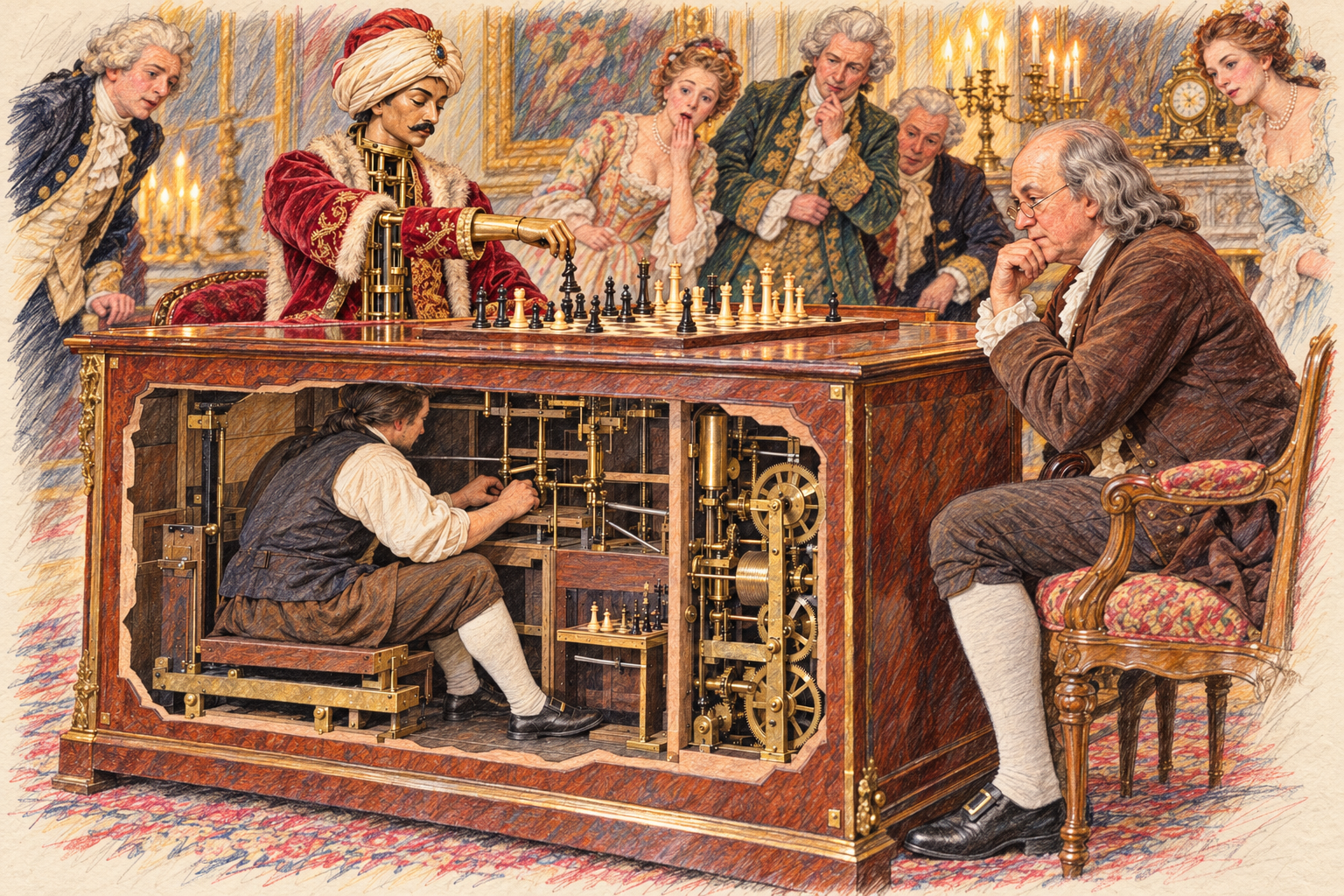
- 1770: Kempelen’s chess “automaton”
- Shown across Europe and America
- A hidden chess master worked it
- Destroyed by fire, 1854
The Turk returns

- 2005: Amazon opens “Mechanical Turk”
- People are paid per task to label, rate and write
- Their answers become training data
- The people are hidden again, inside the data
What to watch for
- Your table plays the people: everyone suggests the next word
- The hat plays the model: it picks one suggestion by chance
- One word at a time, the story grows
- Watch: which words were likely? Why do two runs differ?
A word from the hat

- Tables of 4 to 6 people
- A hat or cup, small paper slips and pencils
- One response sheet per table
- Choose one reader
Your table will write one sentence together, one word at a time.
The prompt
Tell a short story about a surprising discovery at school.
“At recess, we found a…”
Reader: write this at the top of the response sheet.
Each turn
- Reader reads the prompt and every word added so far.
- Everyone writes one next word, or STOP, on a slip.
- Fold the slips, put them in the hat and mix.
- Reader draws one slip without looking.
- Add that word to the sheet. STOP ends the sentence.
- Empty the hat. Start the next turn.
Finish at STOP, or after 8 words.
Run it again
- New line, same prompt: “At recess, we found a…”
- Same rules, fresh slips every turn
- Don’t plan ahead or try to change the result
- Compare your two sentences
Same prompt. Same process.
- Which words appeared on more than one slip?
- Did one drawn word change what you wrote next?
- Why are your two sentences different?
The slips in the hat were a probability distribution.
Where do the probabilities come from?
Training changes parameters.
Generation uses them.
Who can build the tool?
Data. Computation.
People. Infrastructure.
Using a model ≠ training its foundation
Exercise 2 · What we saw
- People supplied every possible next word
- Chance picked one, weighted by how many suggested it
- A model learns those chances from millions of people’s words
- The people are still there, hidden in the data
Demonstration · “Interactor”
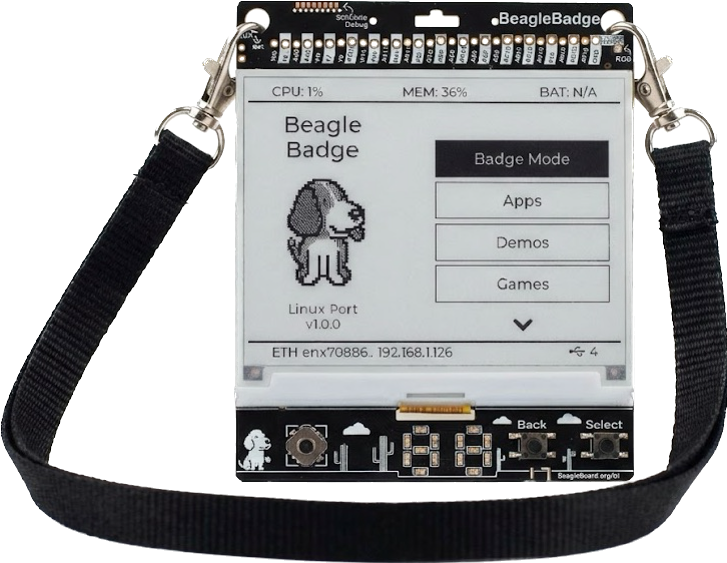
BeagleBadge
The game board: a $99 Linux computer you wear
- Runs the game and draws it on its ePaper screen
- Sockets for plugging in other boards
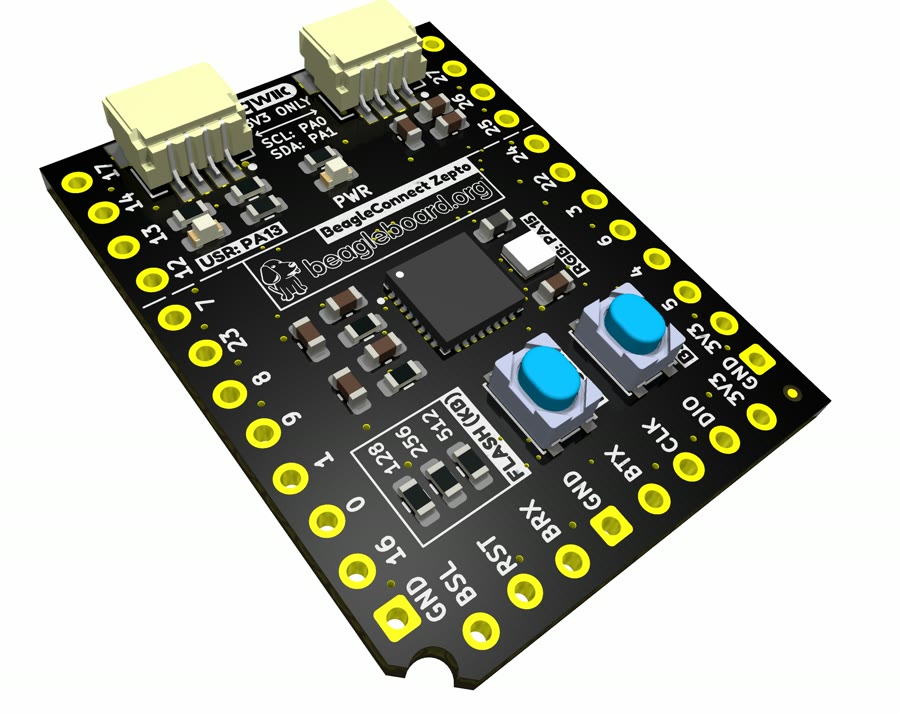
BeagleConnect Zepto
The player: a computer for about $1
- Each student programs one
- Plugged in, its code plays on its own
Code is the controller: once the game starts, nobody touches it.
Today, in one slide
- Chloe’s crayon drawings outlasted her animations; Bridget’s alebrije ran out of credits
- Two rules and some crayons can compute anything
- A language model’s words come from people, chosen by chance
- BadgeSnake: students’ code plays the game, with nothing hidden
- Ask of every activity: what can students understand and change?
Two feet in a supercar
- We sit children in a million-dollar sports car
- They drive it two feet, and we call it a success
- Using a technology is not understanding it
For review: does this analogy belong in the deck, and if so, here or elsewhere?
Amplifying agency after the activity
What can your students
understand and change?
Questions
What would you like to understand, or change?